Dazo is built around four record types and runs everywhere you do. Here’s a closer look at every capability, on both mobile and desktop.
Full clinical record with name, phone, age, sex, disease, registration date, avatar, category and custom fields. Subfolders per visit, attachments per case.
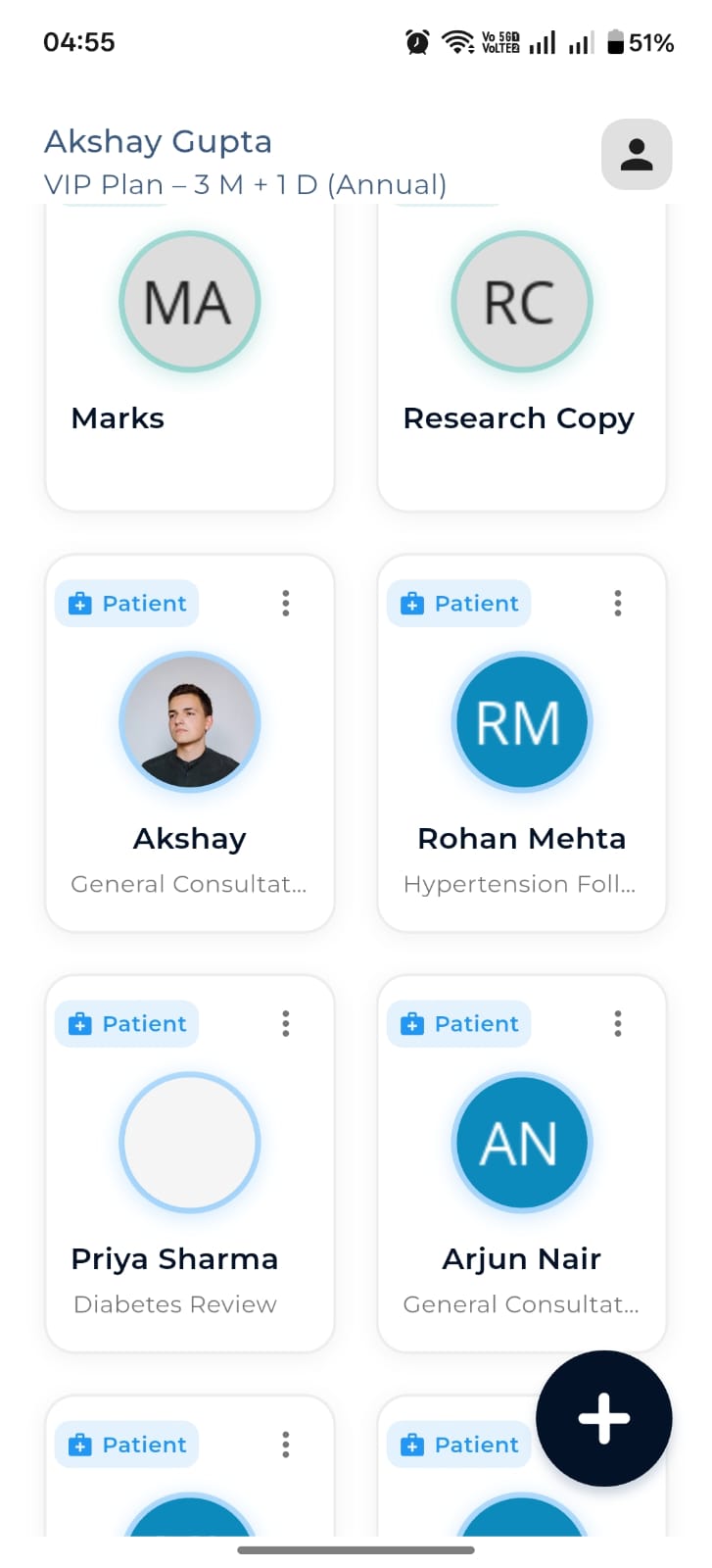
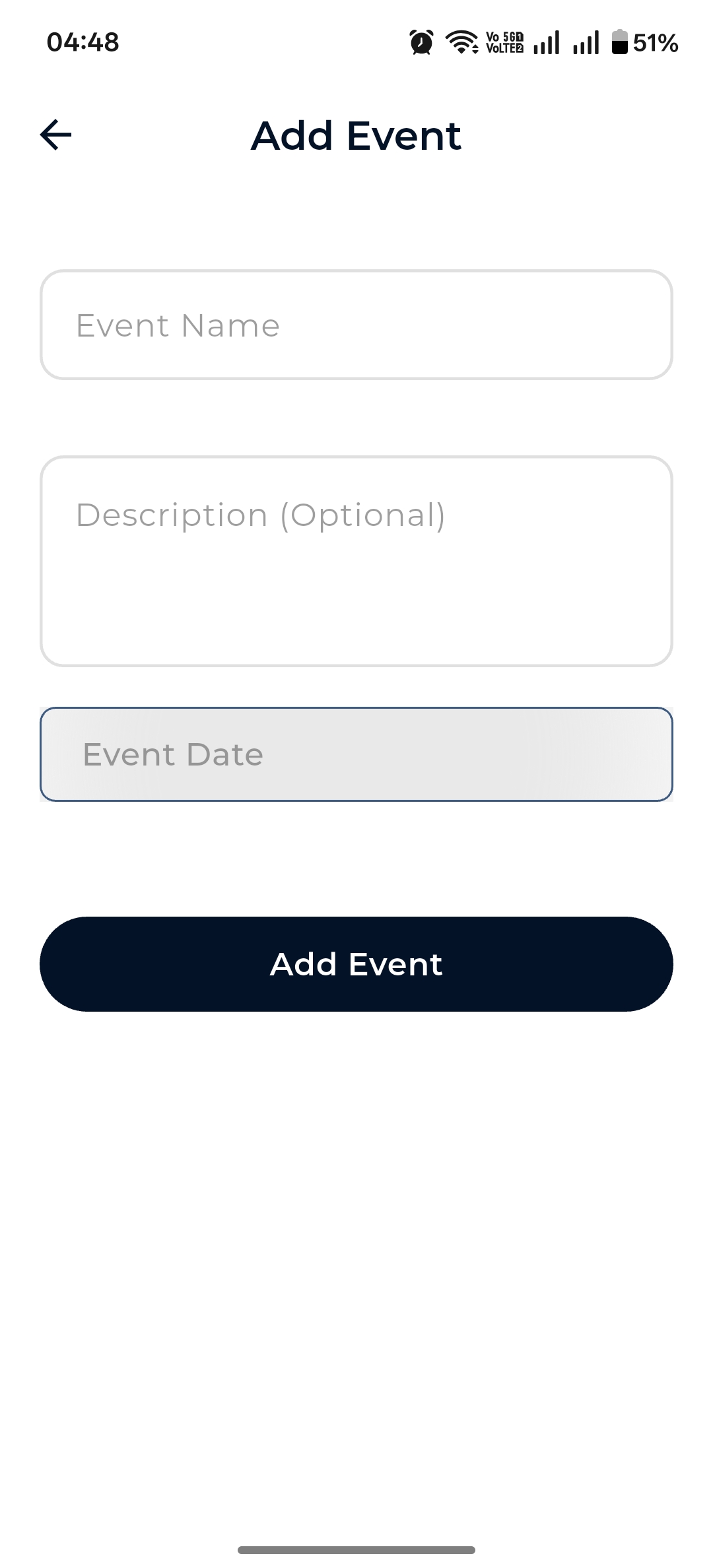
Occasion folders for weddings, shoots, trips, family albums. Event name, description, date and avatar — perfect for personal photos.
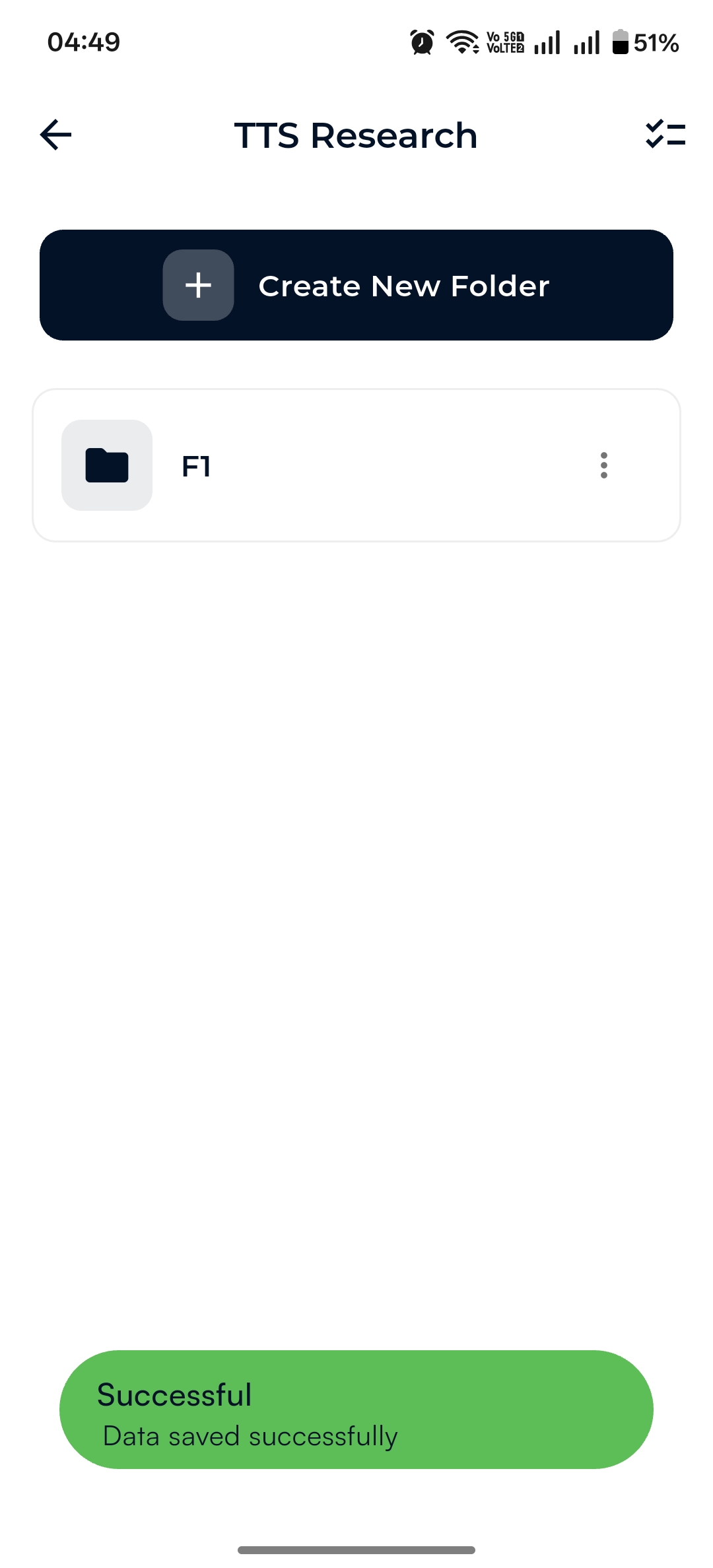
Lightweight research folders with just a title and date. Mix PDFs, images, notes, audio and video for a paper, a study or a deep-dive.
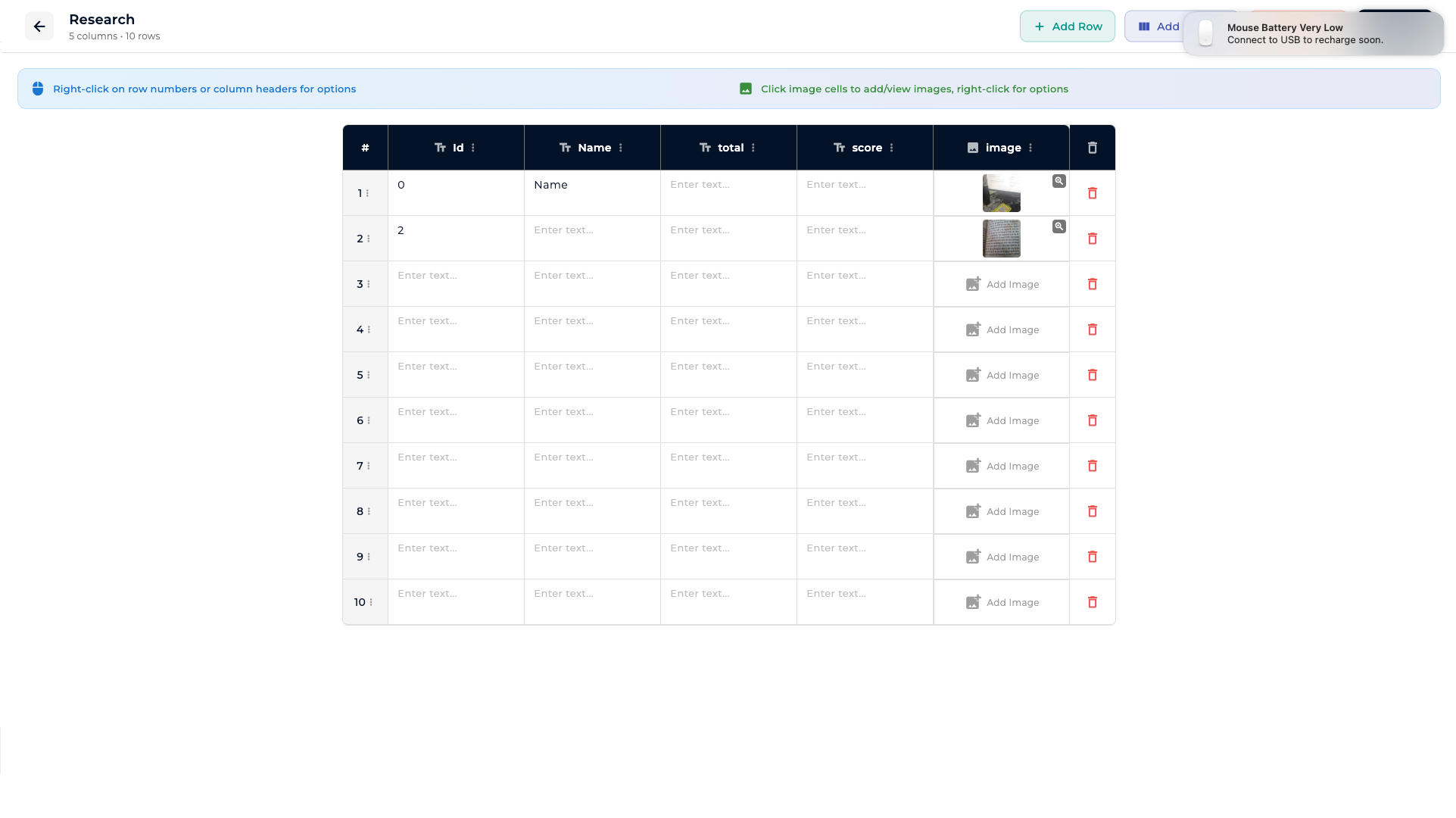
Define your own columns — text, numbers and image cells. Right-click headers for column options, right-click rows for row actions.
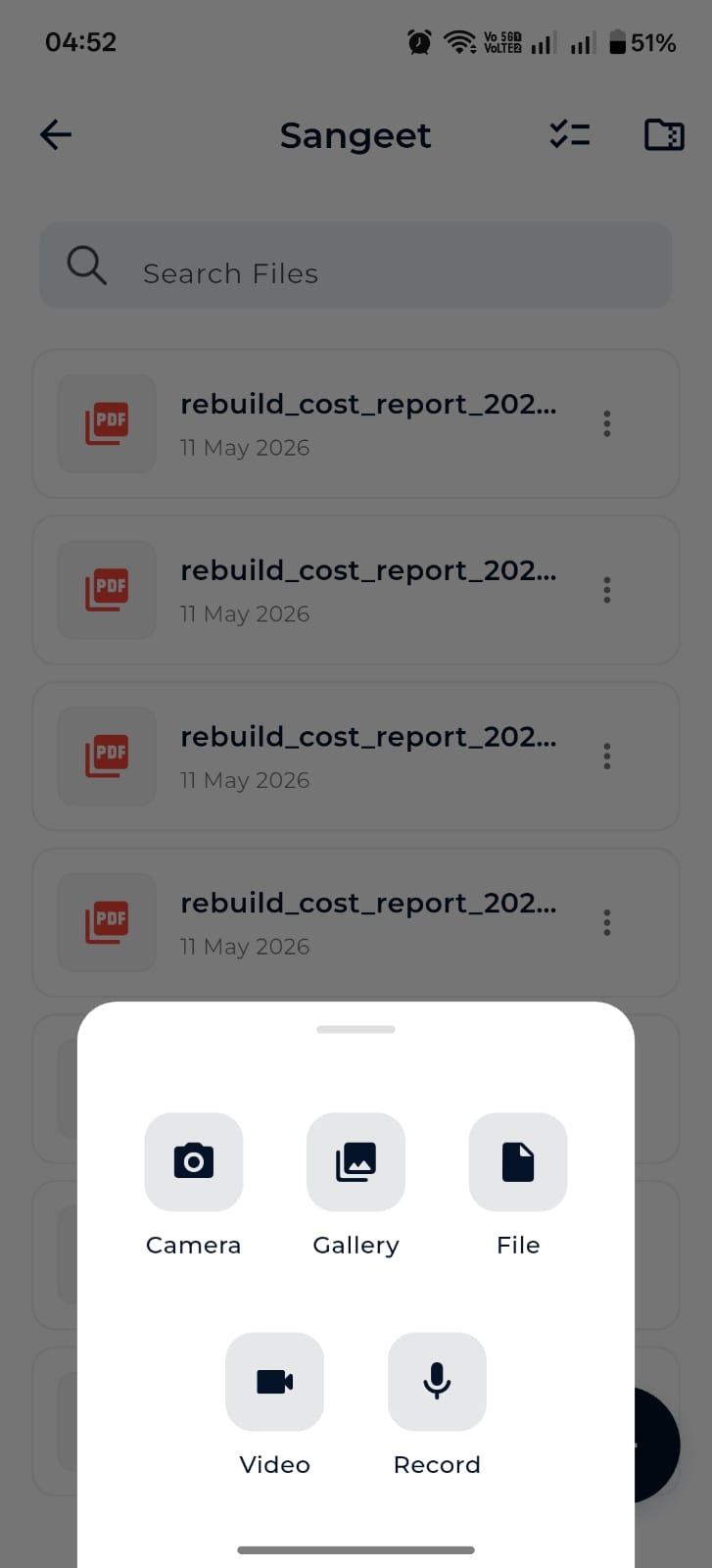
From any folder, tap + to bring up a Camera / Gallery / File / Video / Record sheet. Photo and video capture compress automatically; uploads queue in the background.
Snap photos with auto-rotate and compression.
Multi-select photos from your library.
Pick any document — PDF, DOC, XLSX, ZIP, anything.
Record on the spot or attach existing clips.
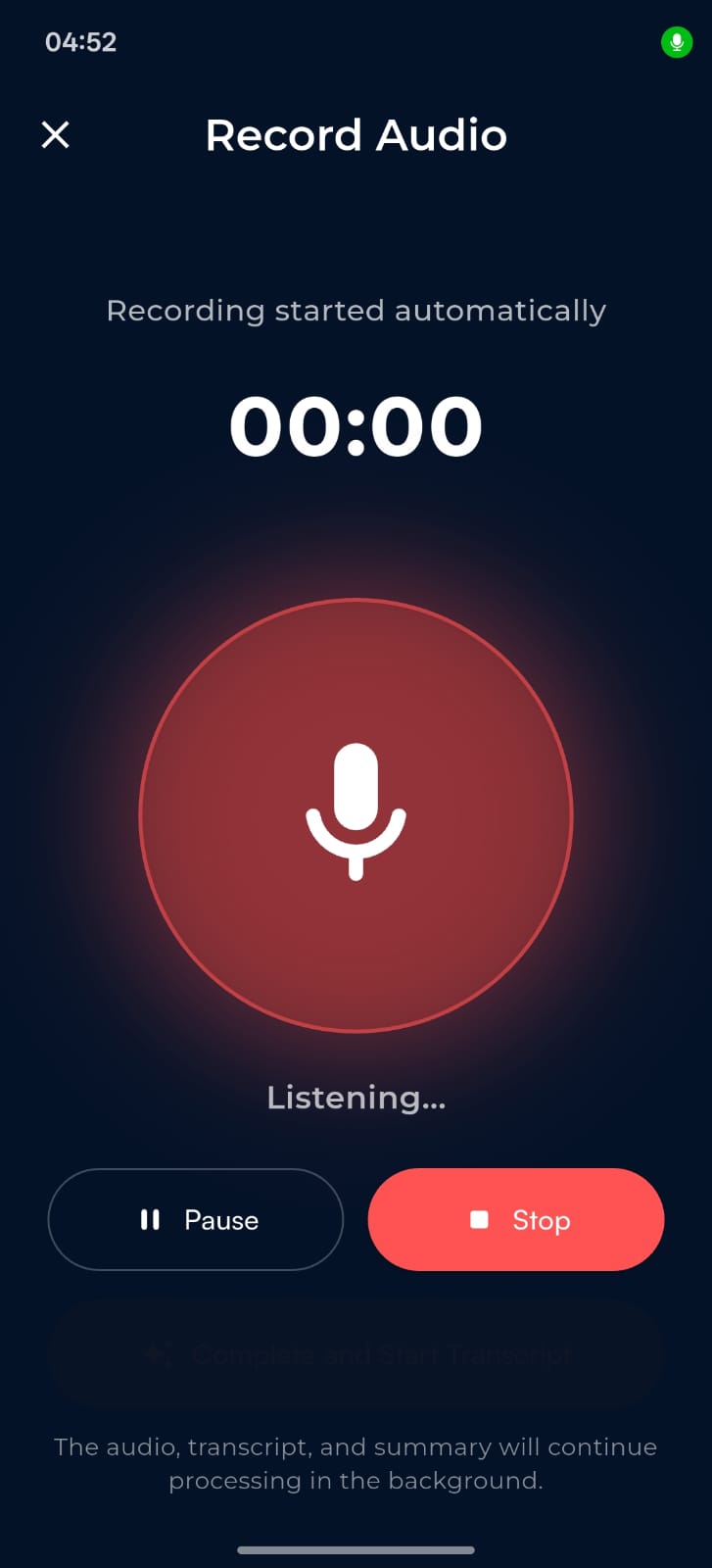
Capture audio with automatic transcription and summary.
Inline reader for contracts, reports and scans.
Zoom, pinch, swipe — the obvious things, done right.
Listen back to recordings with transcript & summary alongside.
Mobile saves to your Downloads/app folder; desktop uses a save picker.
System share sheets and immediate share-after-download.
Hand off to any installed app on your device.
Pull your entire Firebase Storage tree down to a desktop folder. Toggle Preserve folder structure and Merge with existing; check last-sync timestamp.
Mobile runs an HTTP server. Desktop connects via manual IP or auto-discover and pulls patients, files, or the whole tree — locally, fast.
Choose your storage backend at first launch. Cloud puts files in Firebase Storage so they’re available everywhere. Device keeps everything on the phone or computer in front of you.
Mirrored across devices via Firebase Storage.
Files stay local. Nothing leaves until you decide.
Mobile caches your last-seen patient list, folders and file lists.
Reads from a chosen sync folder when the network is down.
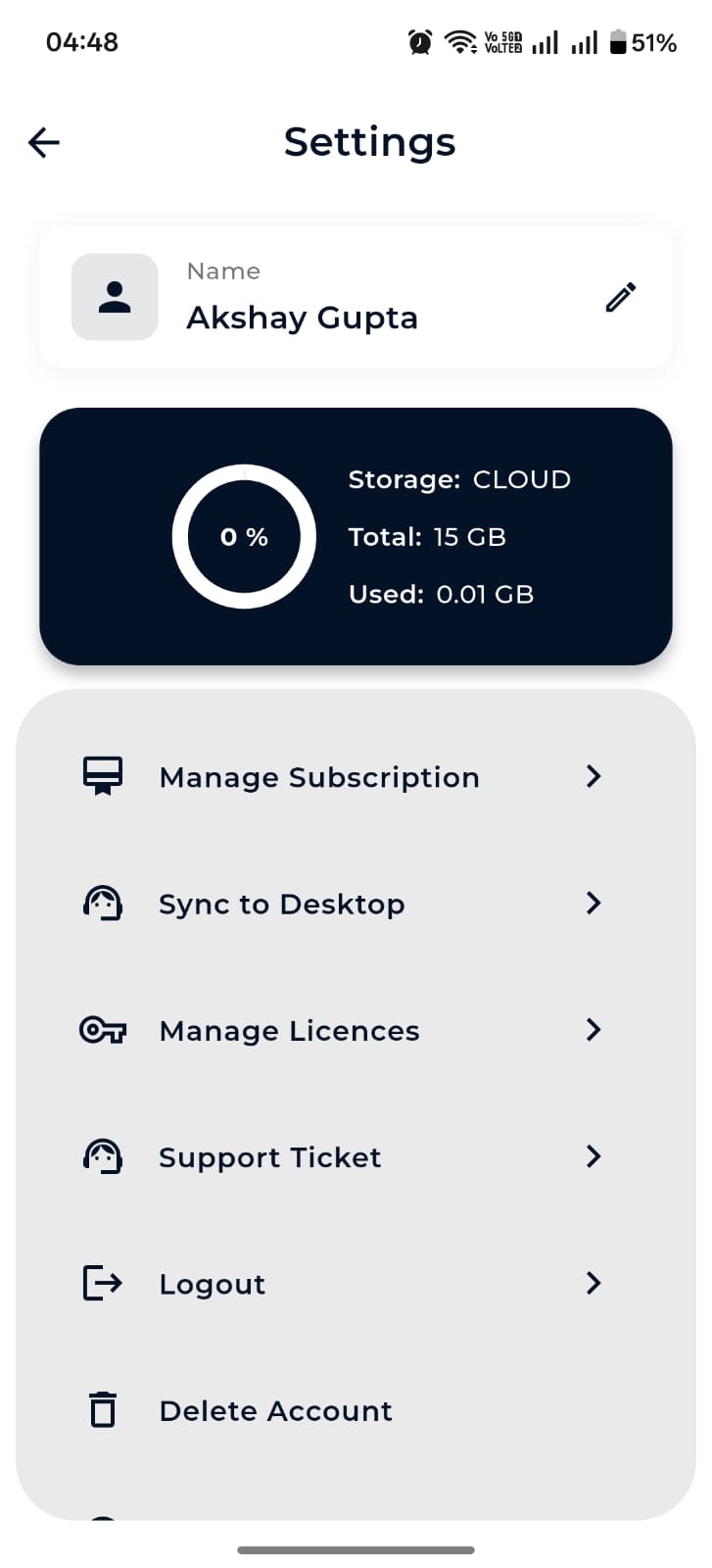
Search all items, or just files inside a folder.
Show only Patients, Events, Research or Spreadsheets.
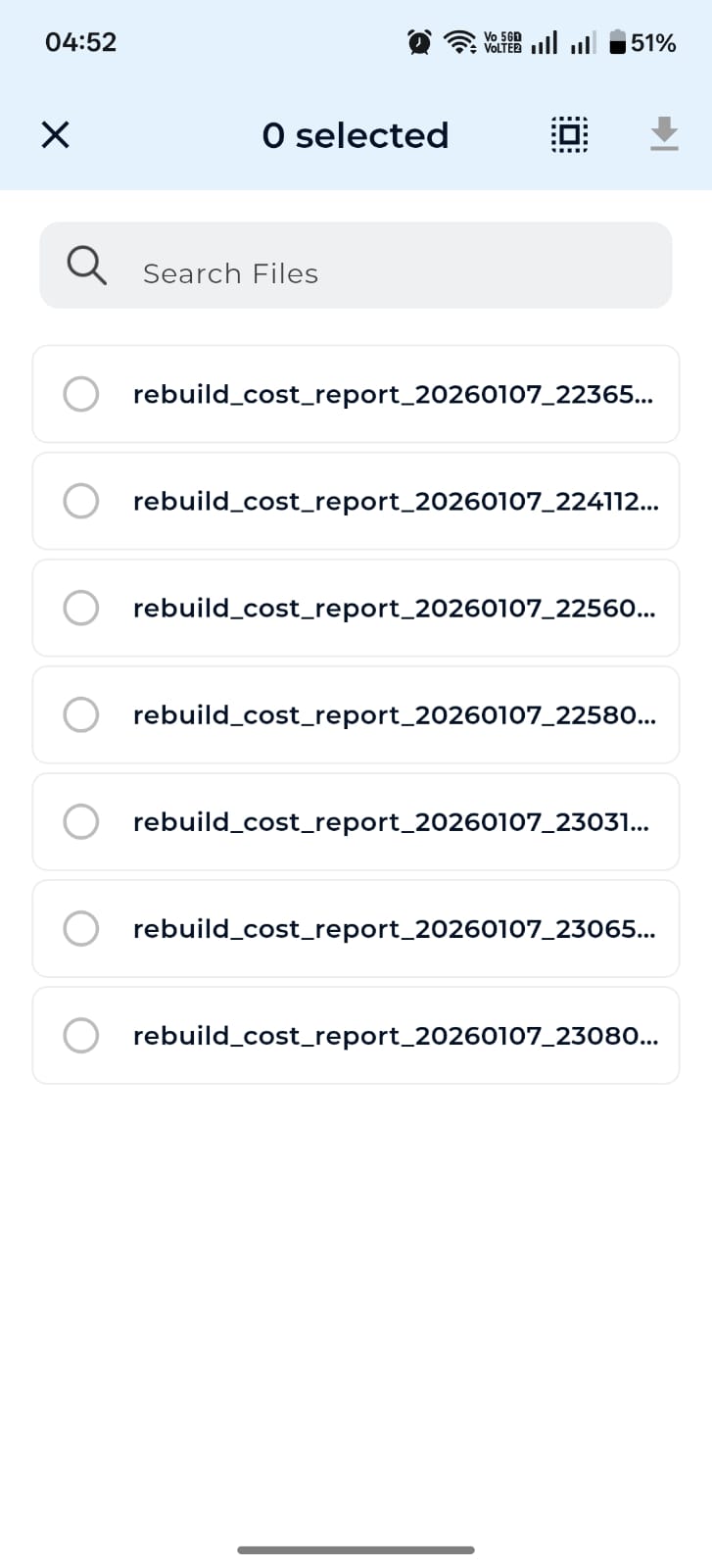
Tap to enter selection mode, then bulk download or delete.
Quick actions from a long-press or context menu.
Nest folders inside patient records, events or research projects.
Edit lookup lists from Settings, mobile and desktop.
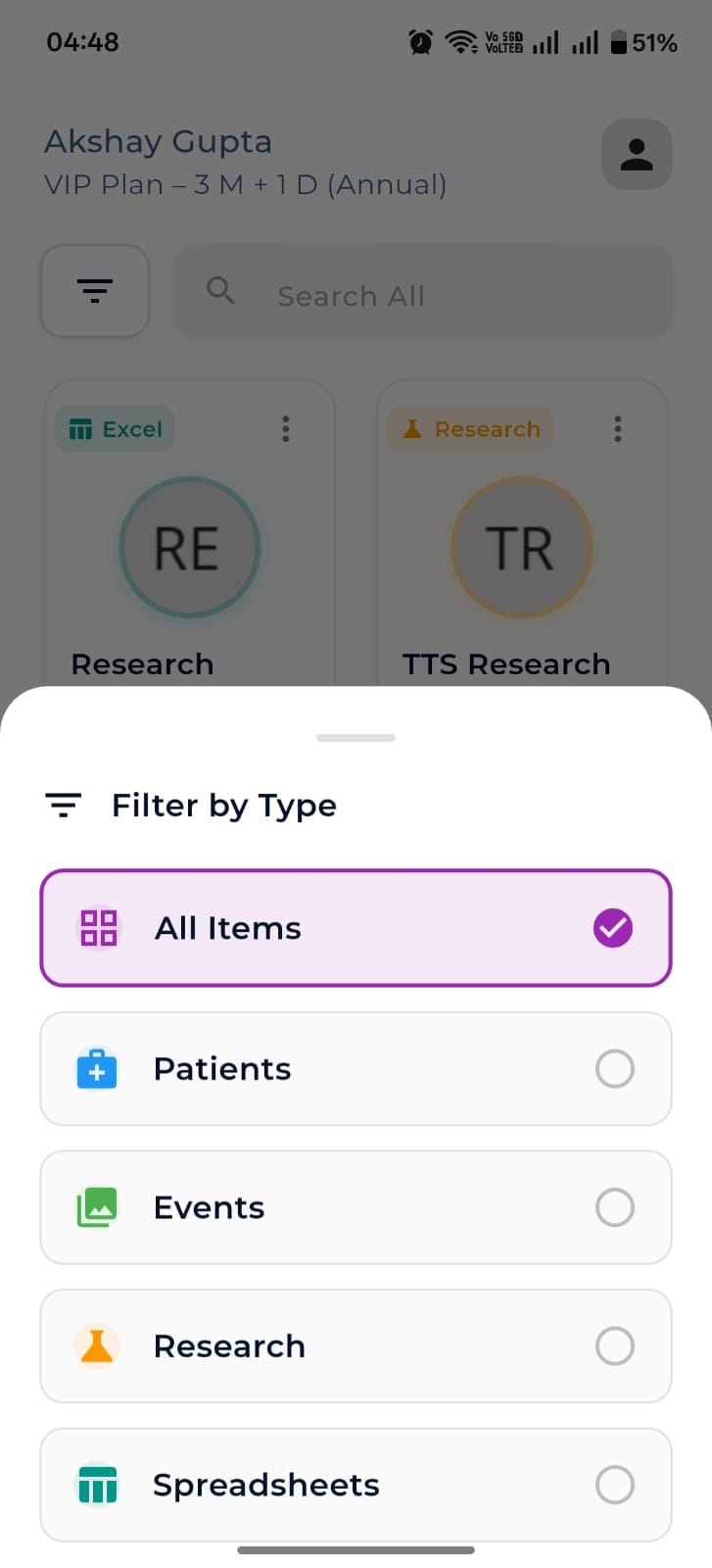
Manage on iOS, Android and macOS with native paywalls and restore.
Add an extra mobile seat or +10 GB of cloud storage any time.
Offline activation for Windows desktop — perfect for clinics with limited connectivity.
Open and track tickets from inside the app.
Tie your subscription to specific devices with a tap.
Wipe everything cleanly when you decide to leave.
Pick a plan or jump straight into the docs.