Capture, organize, search and sync — without ever opening a laptop. Built for clinics on the move, photographers in the field, and researchers in the lab.
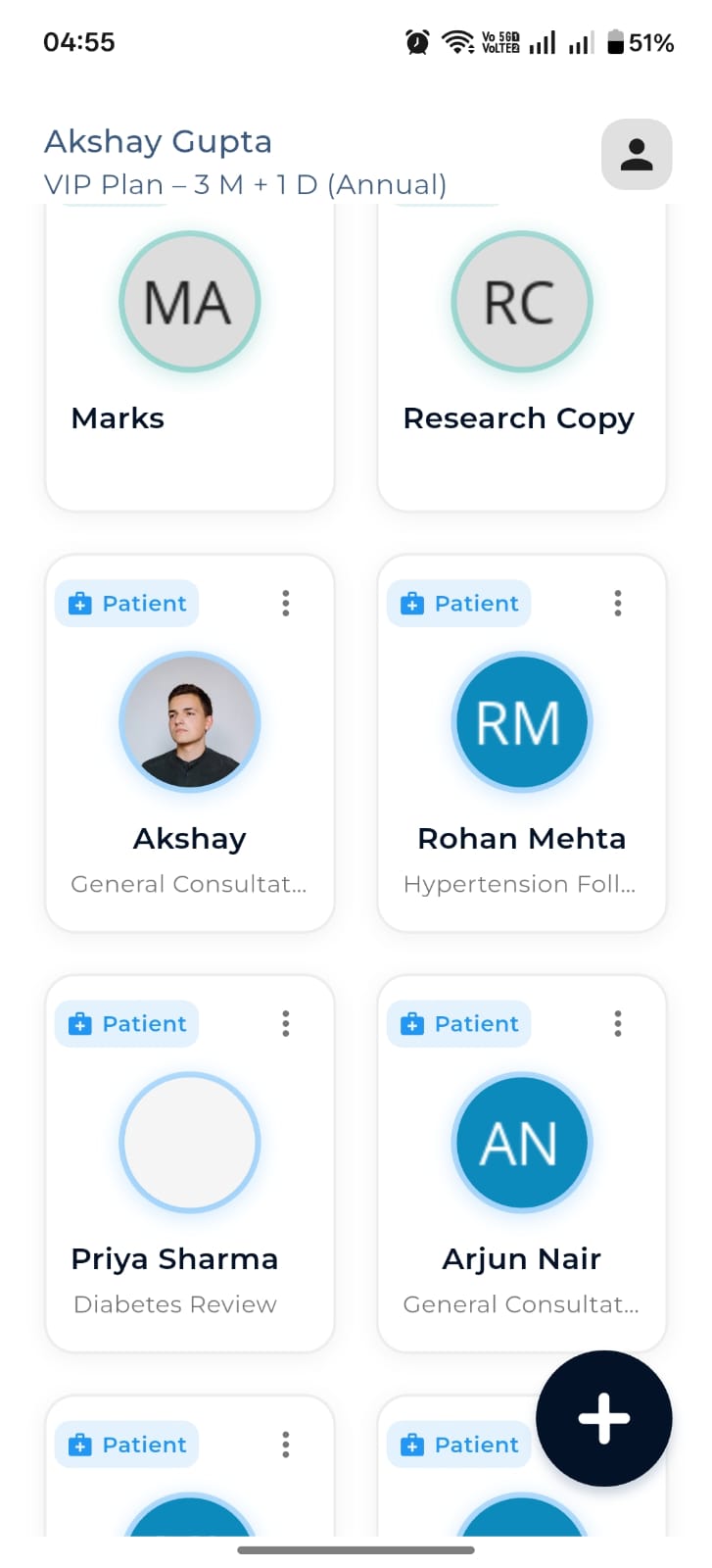
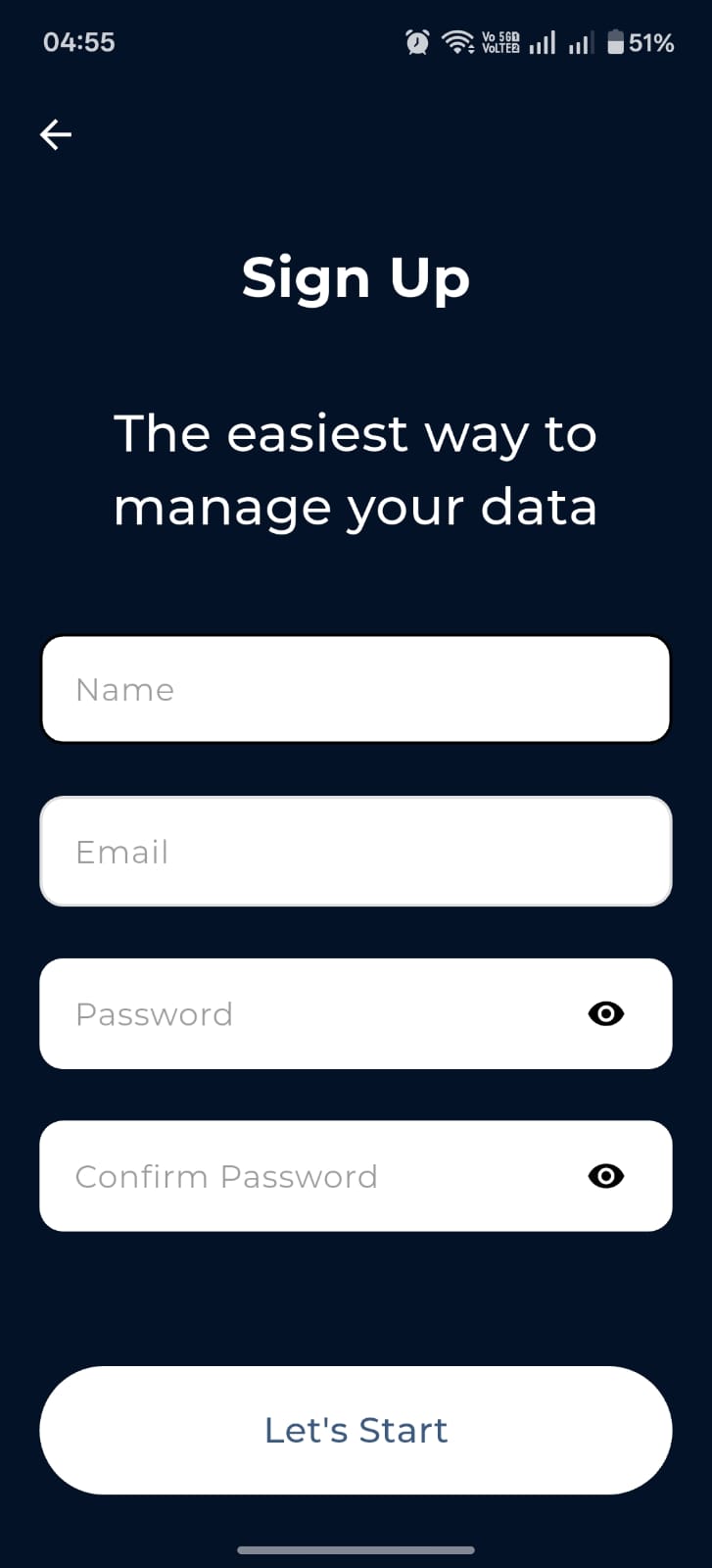
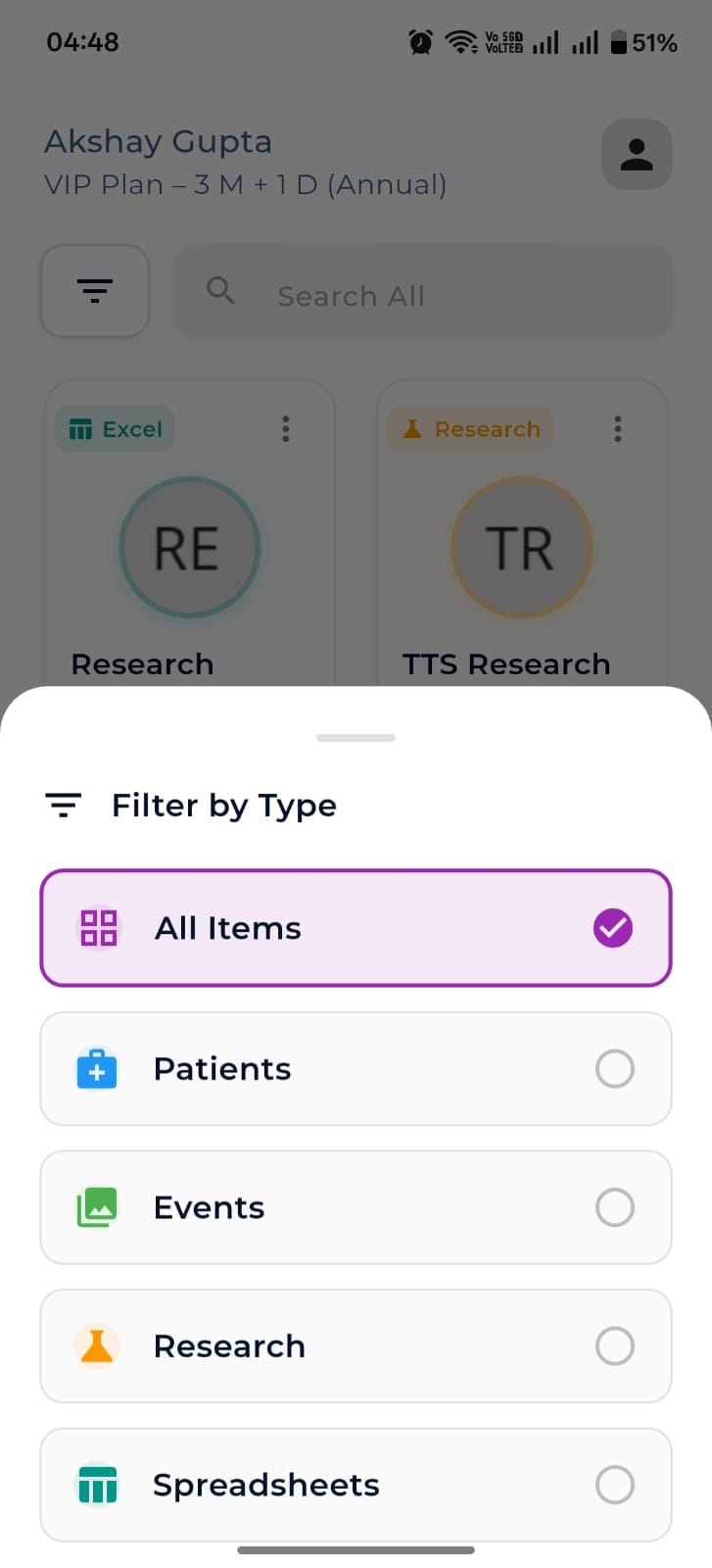
Patients, events, research and spreadsheets all live in the same beautiful grid — color-coded, searchable, and filterable in a tap. Your subscription state and plan sit at the top so you always know where you stand.
Spot patients, events, research and spreadsheets at a glance.
Find any record across all types in one input.
Toggle which workspaces are visible.
The floating + brings up the Create New sheet.
Each record type has a tailored Add screen — none of them feel like a database.
Create New picker
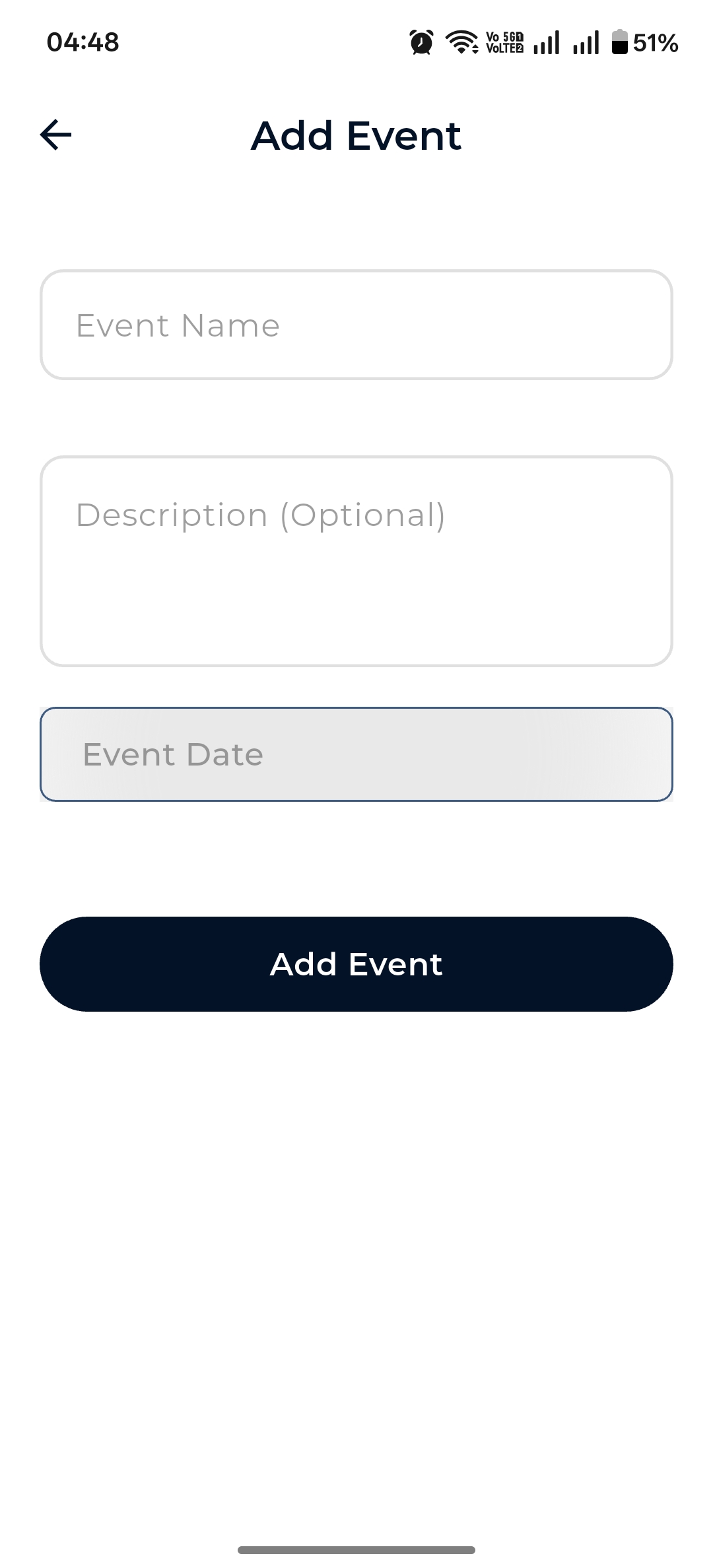
Add Event
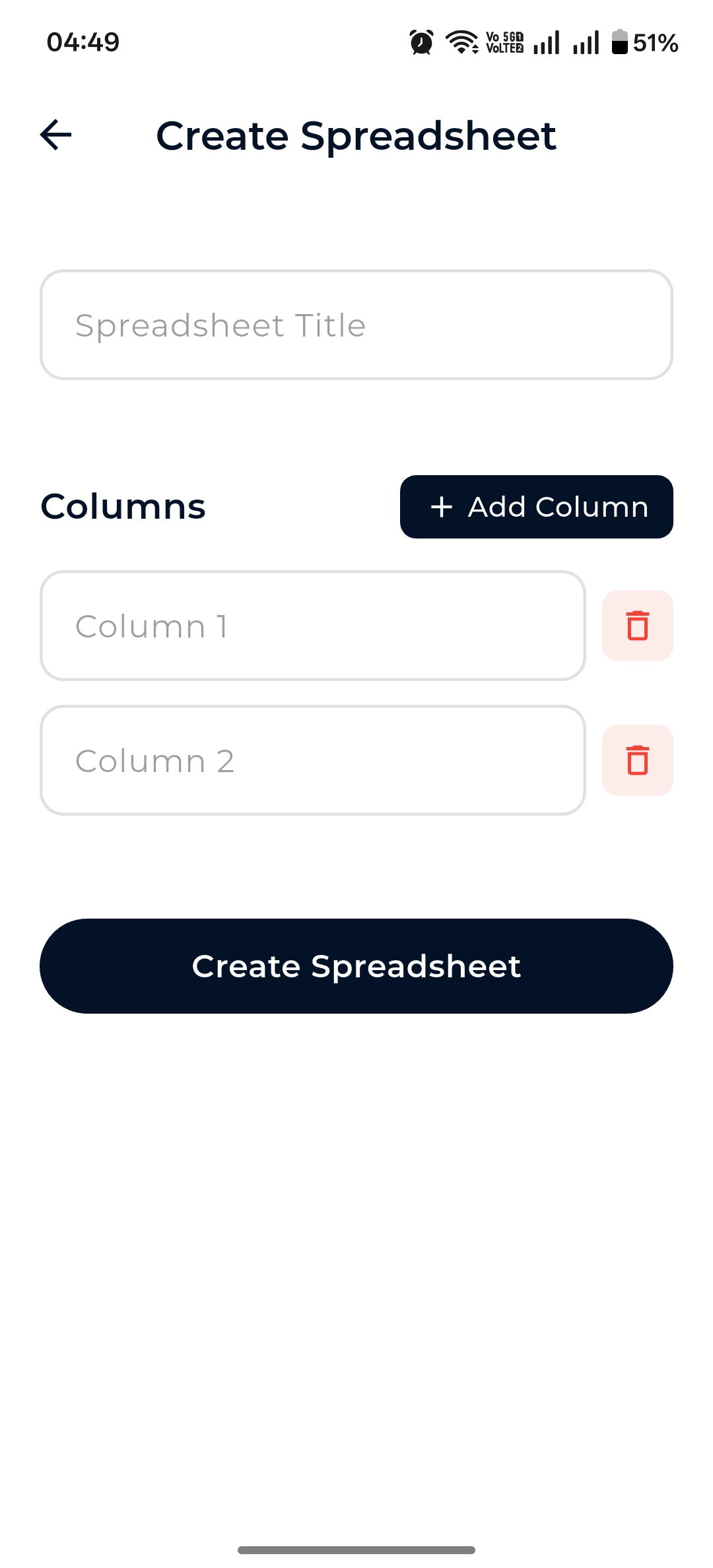
Create Spreadsheet
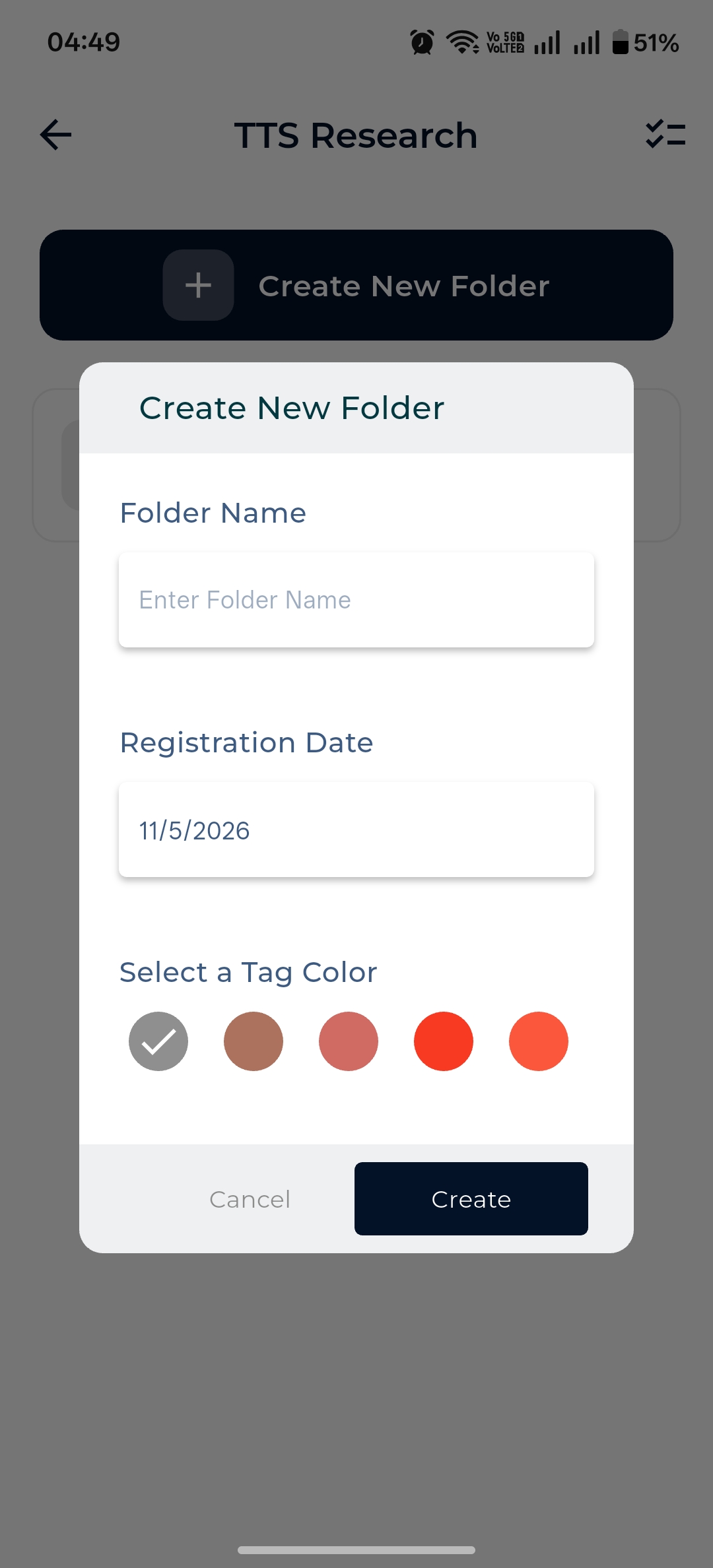
Create Folder + tag color
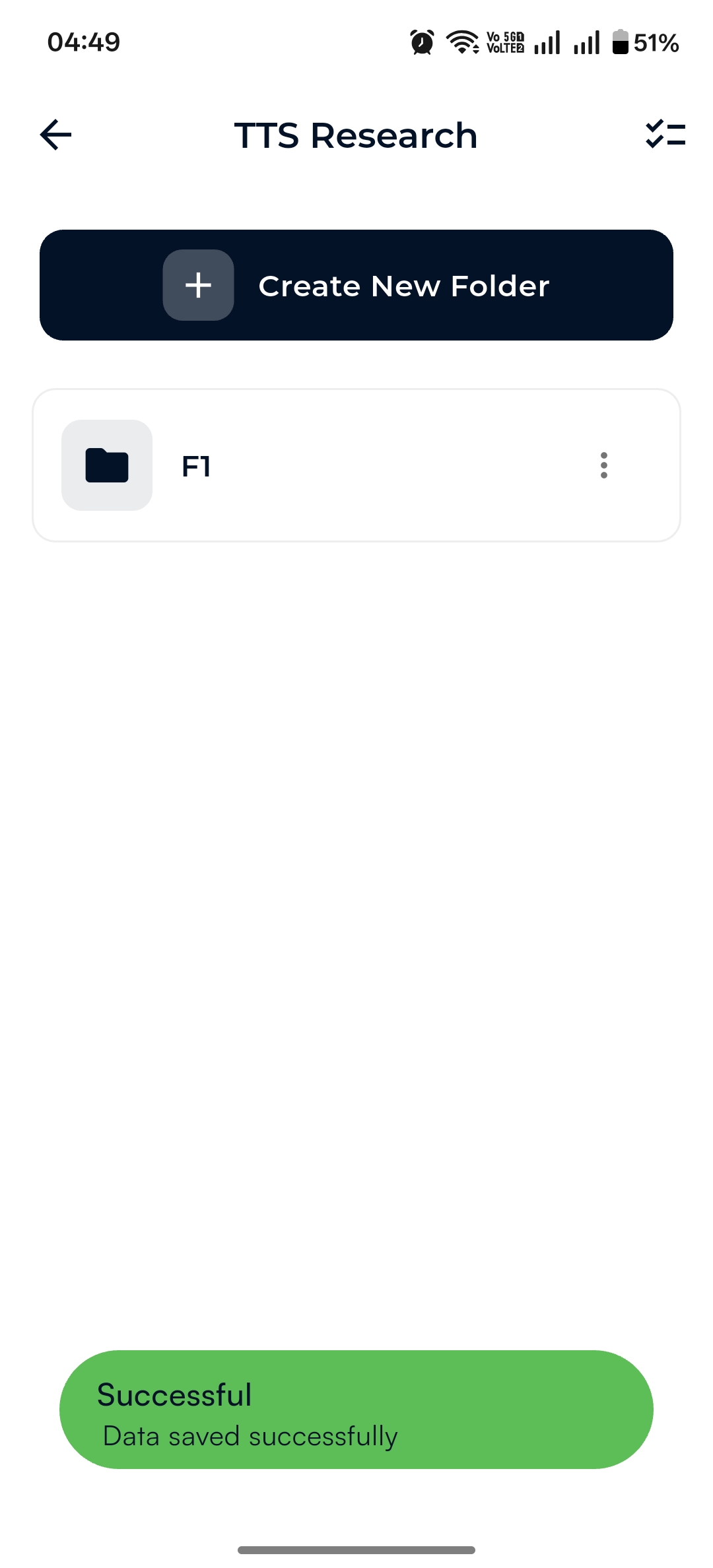
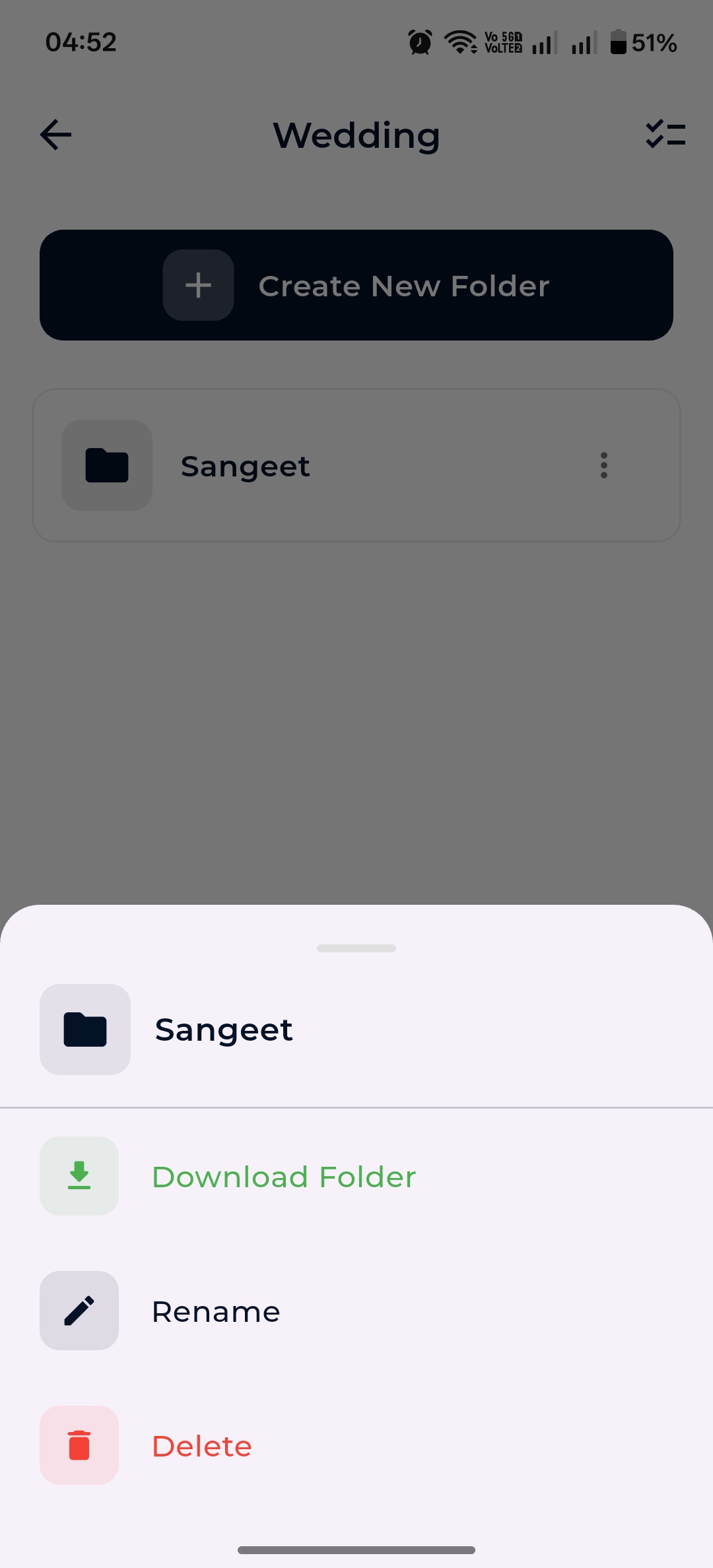
Inside any record, build out a folder tree, search the file list, multi-select, download the whole folder, rename, or delete. The bottom-sheet action menus keep gestures tidy.
Organize visits, shoots, chapters — as deep as you need.
Pull every file in a folder to your device in one tap.
Long-press to bring up the action sheet.
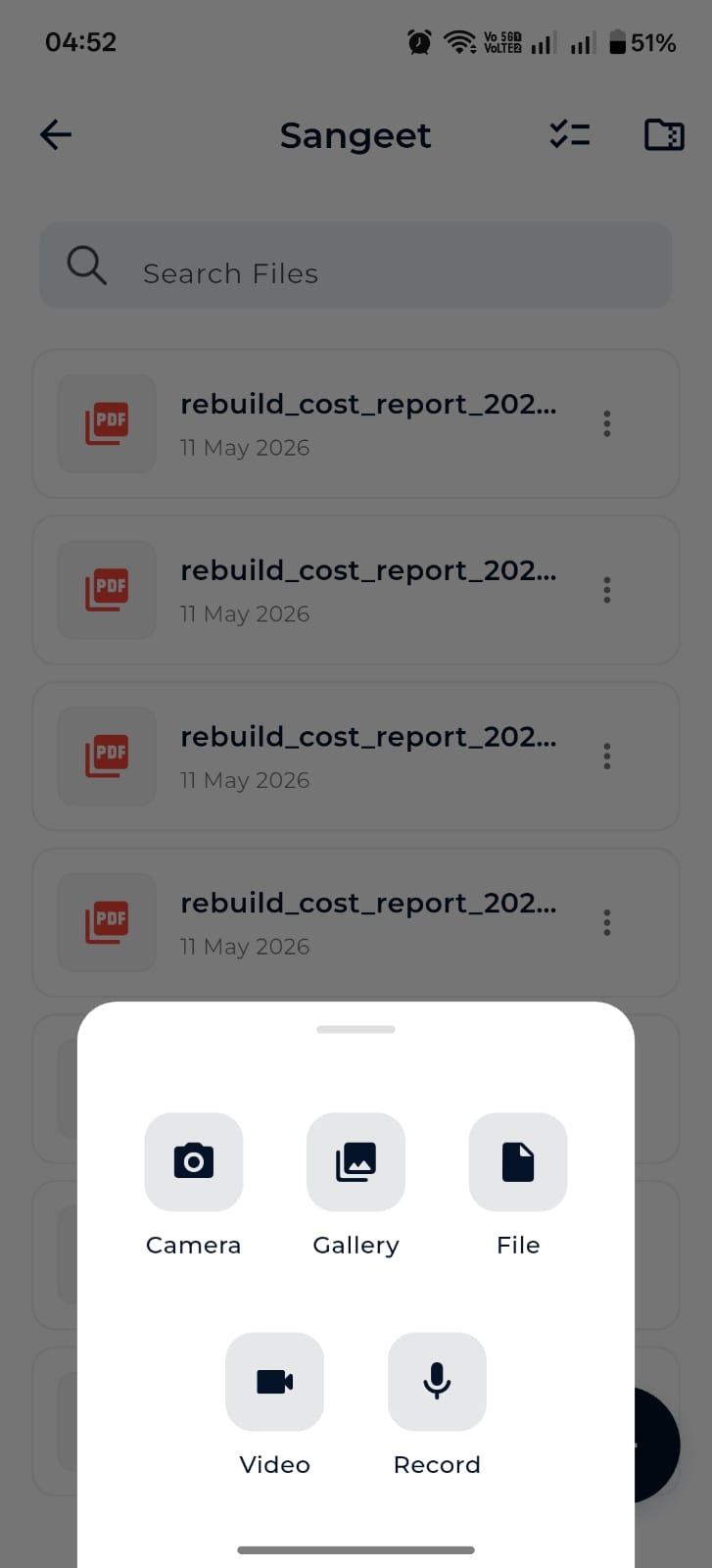
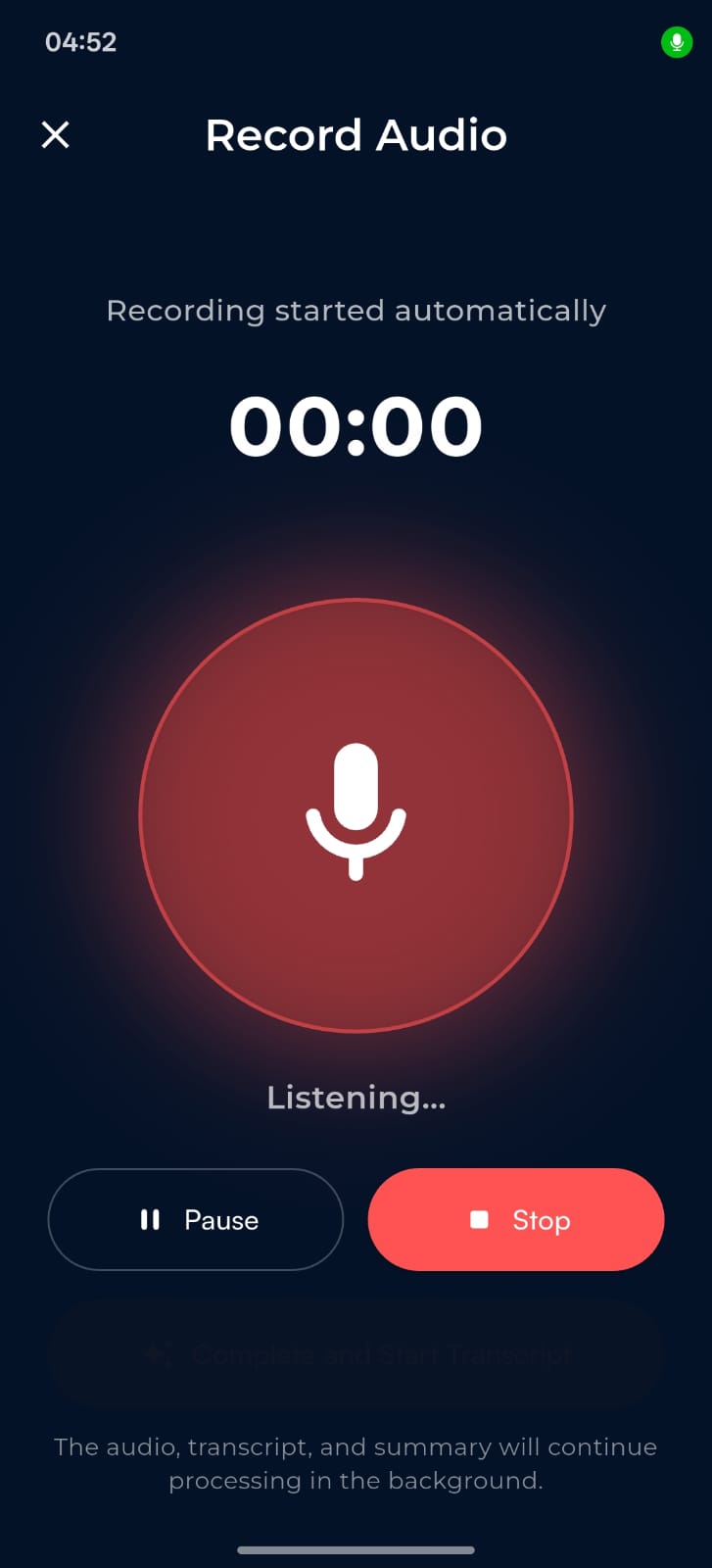
Tap + inside any folder and pick: Camera, Gallery, File, Video, or Record. Photos and videos compress automatically; the upload queue keeps running while you keep working.
Capture with compression and background upload.
Transcript & AI summary processed in the background.
Attach PDFs, DOCX, XLSX, ZIP — anything your OS exposes.
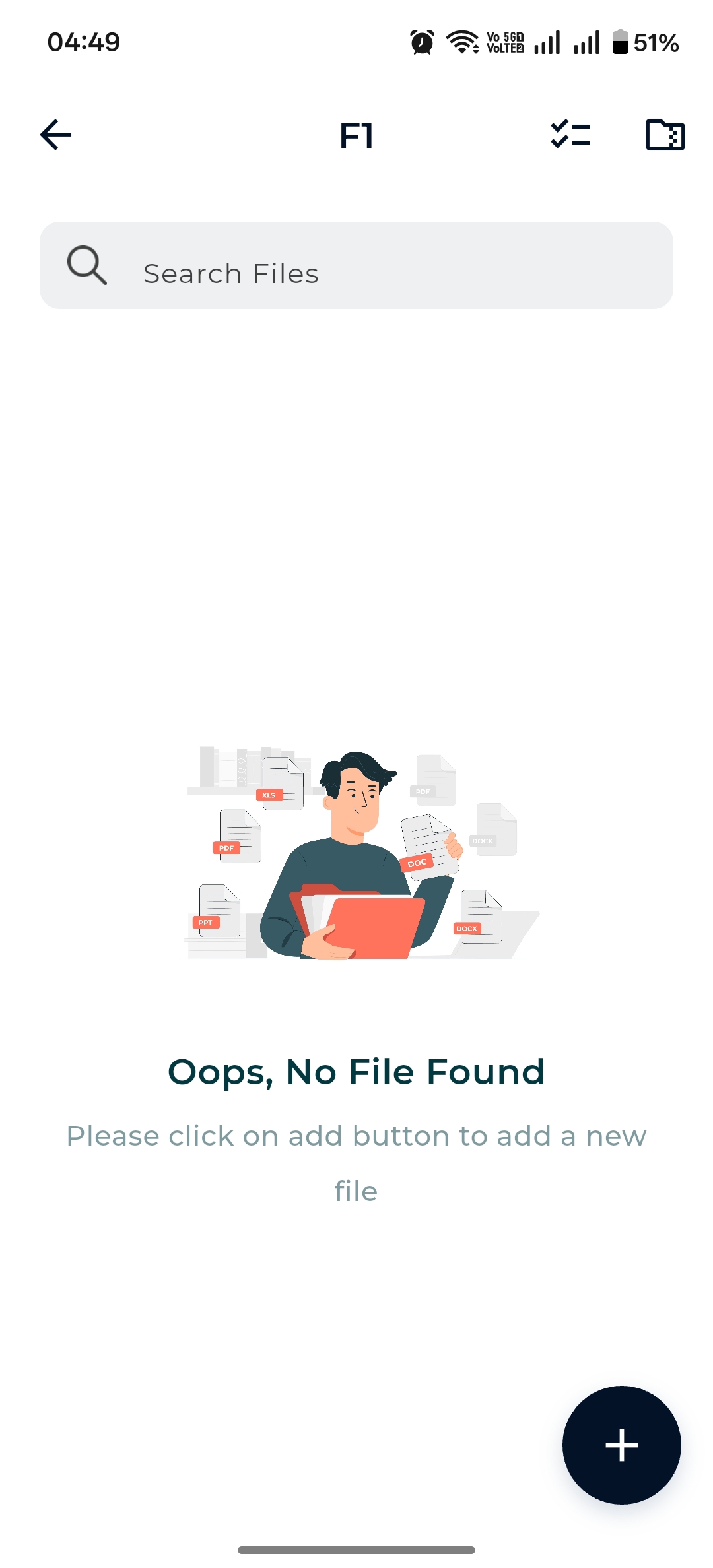
When connectivity drops, Dazo switches to a cached view of your patients, folders and file lists. A separate Offline Files area gives you a clean, local-only browser of everything you’ve downloaded.
Same WiFi or mobile hotspot — Dazo runs a local server on your phone so your desktop can pull data without touching the cloud.
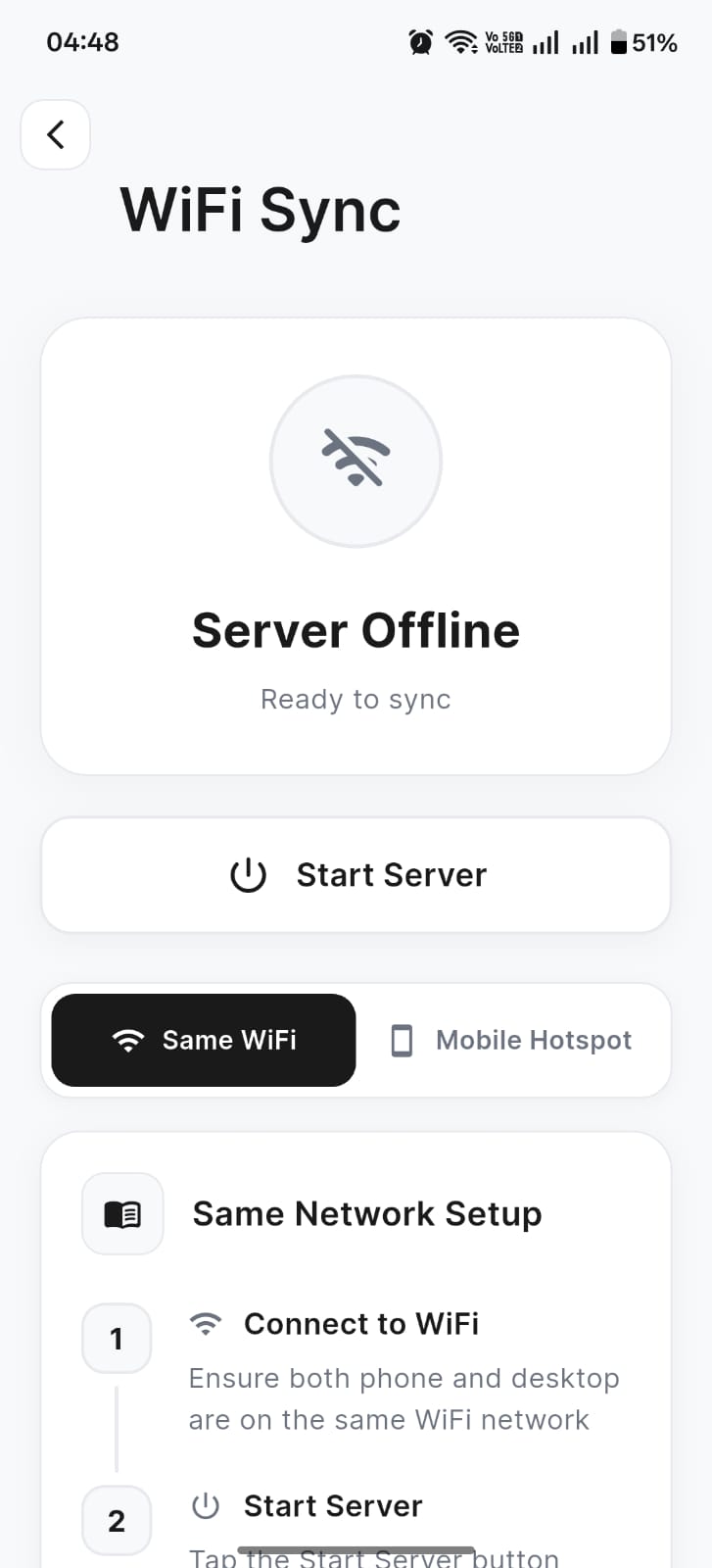
Server screen
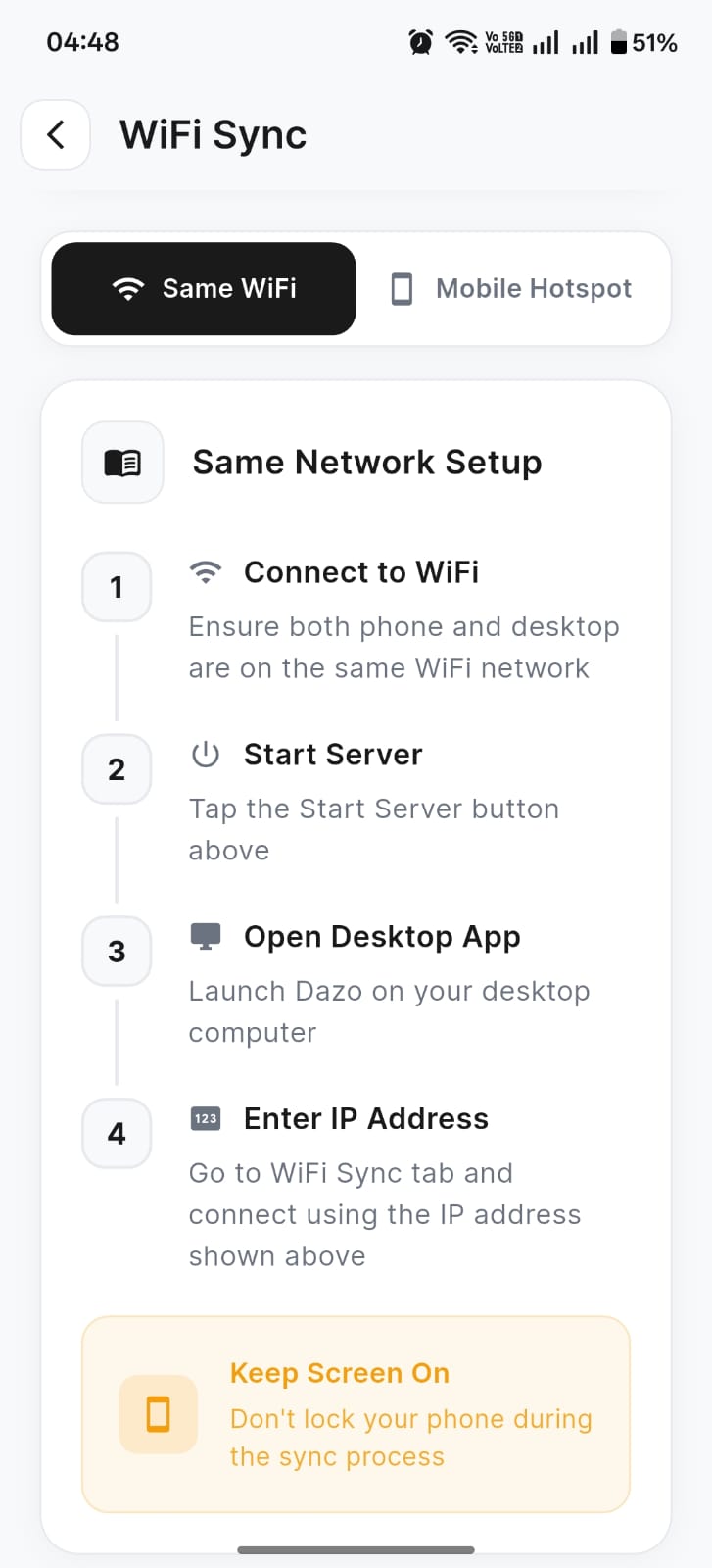
Same WiFi setup
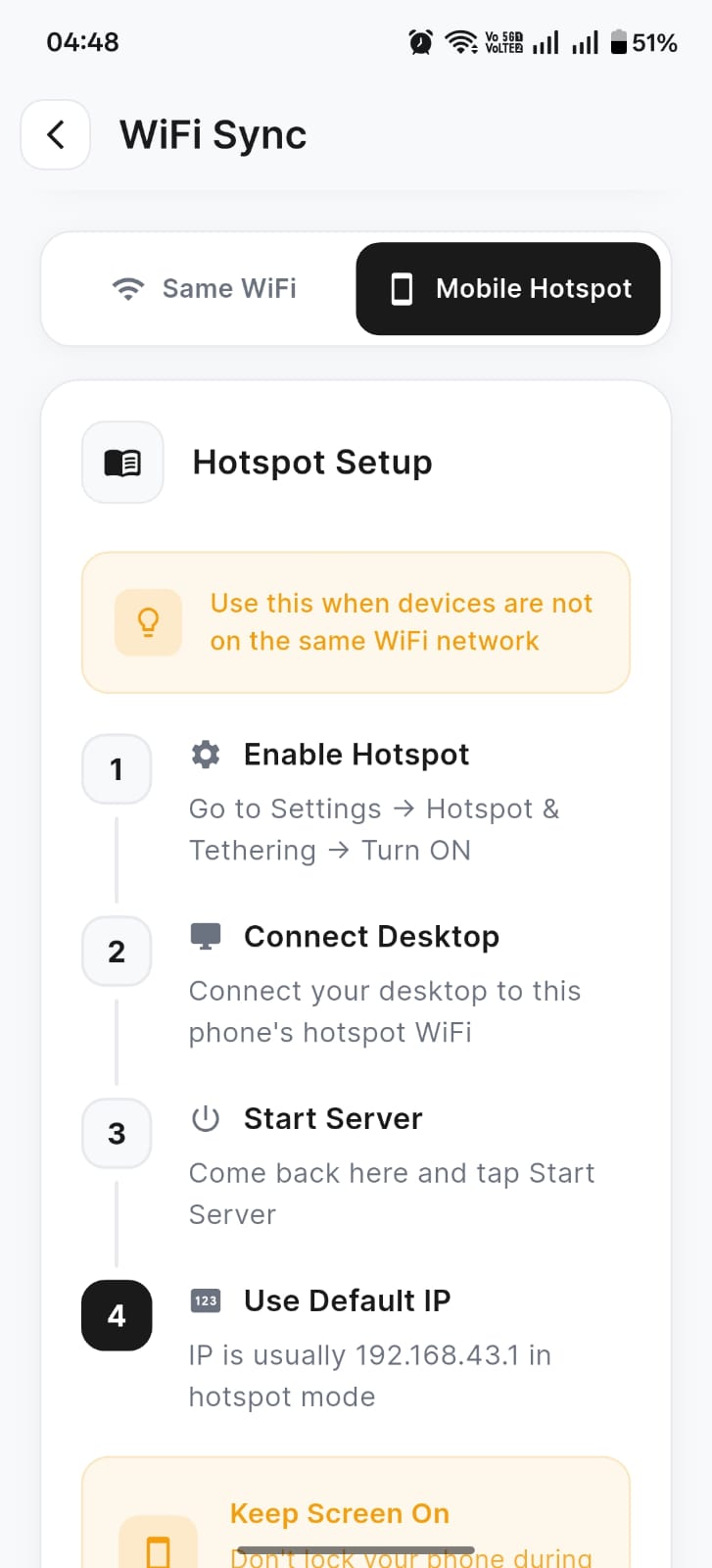
Mobile hotspot setup
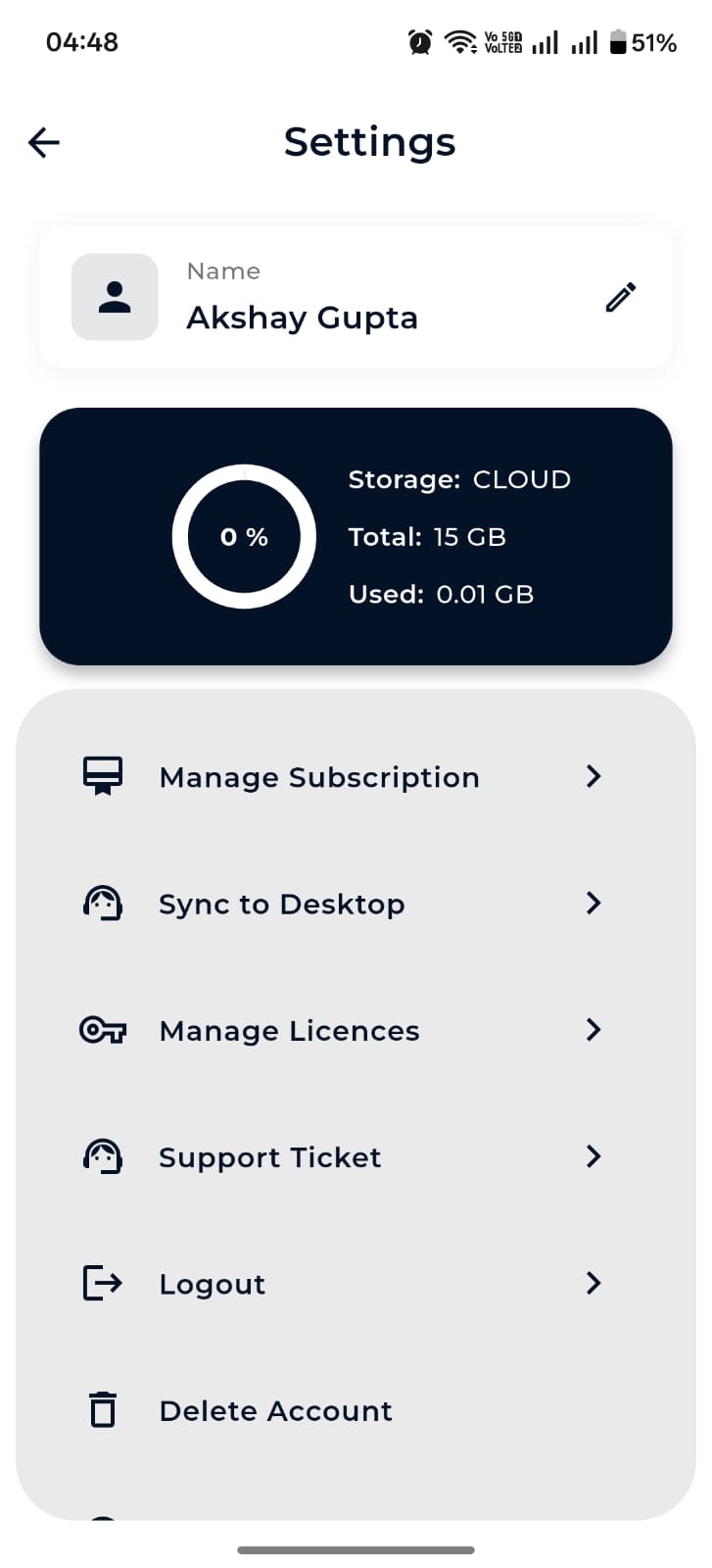
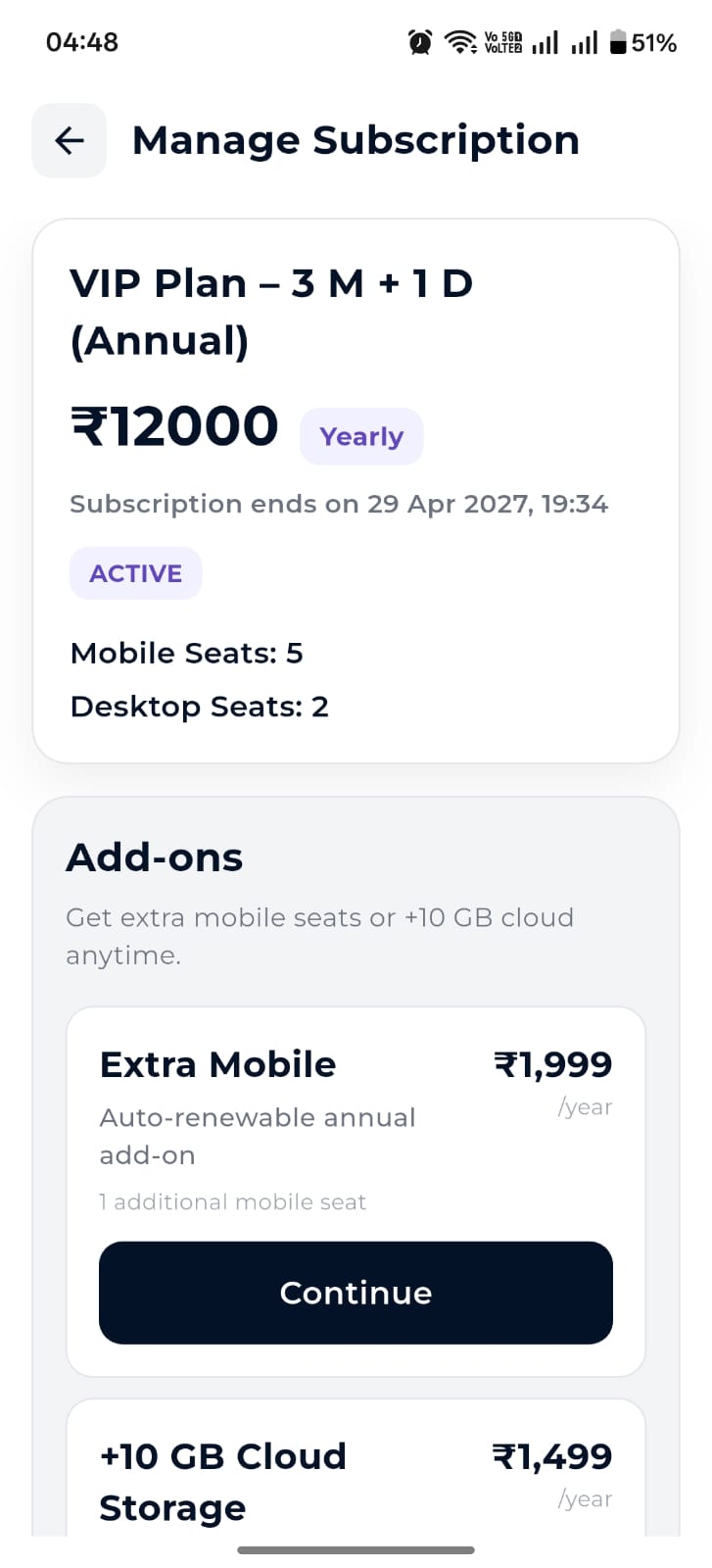
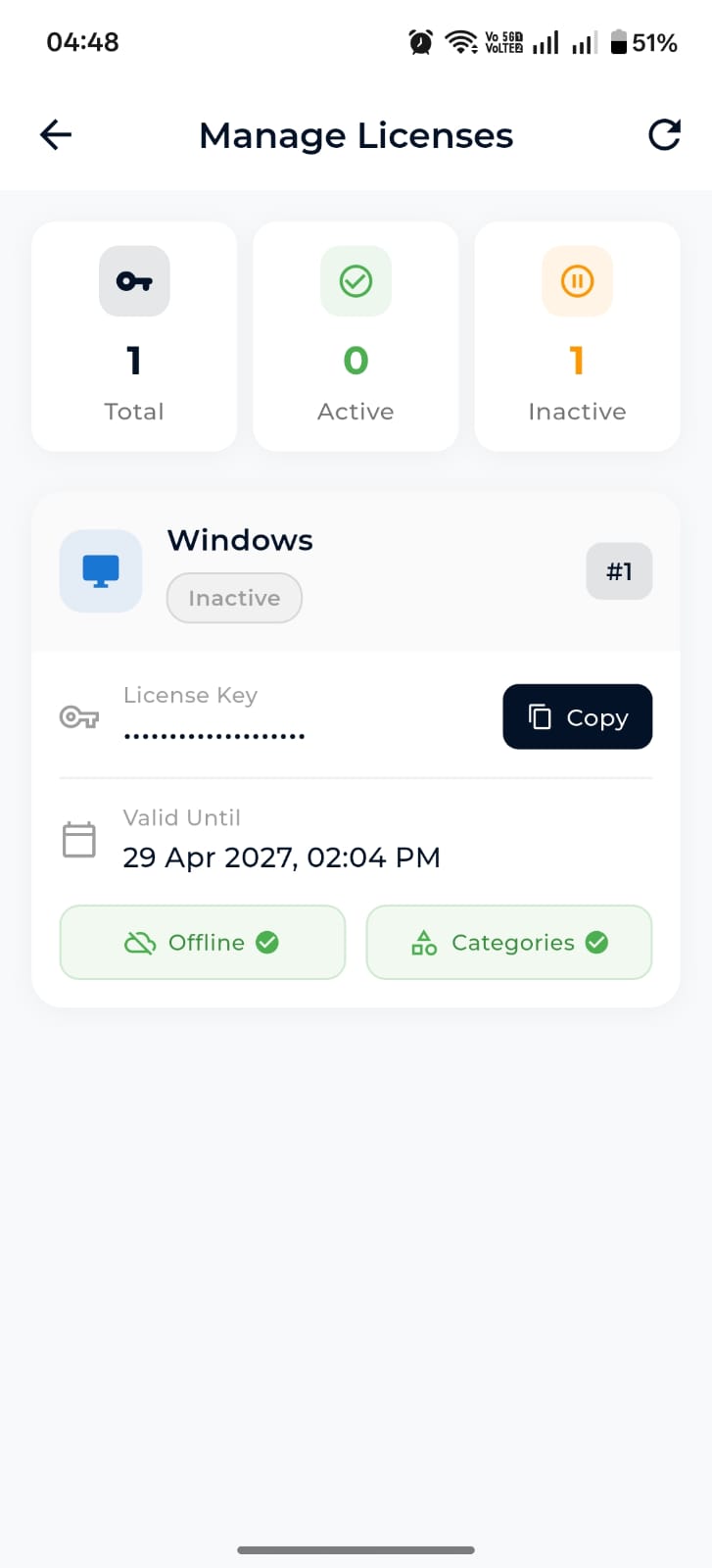
Manage your VIP plan, add extra mobile seats or +10 GB cloud, view license keys for desktop activation, raise support tickets, and delete your account — all from one tidy settings screen.